
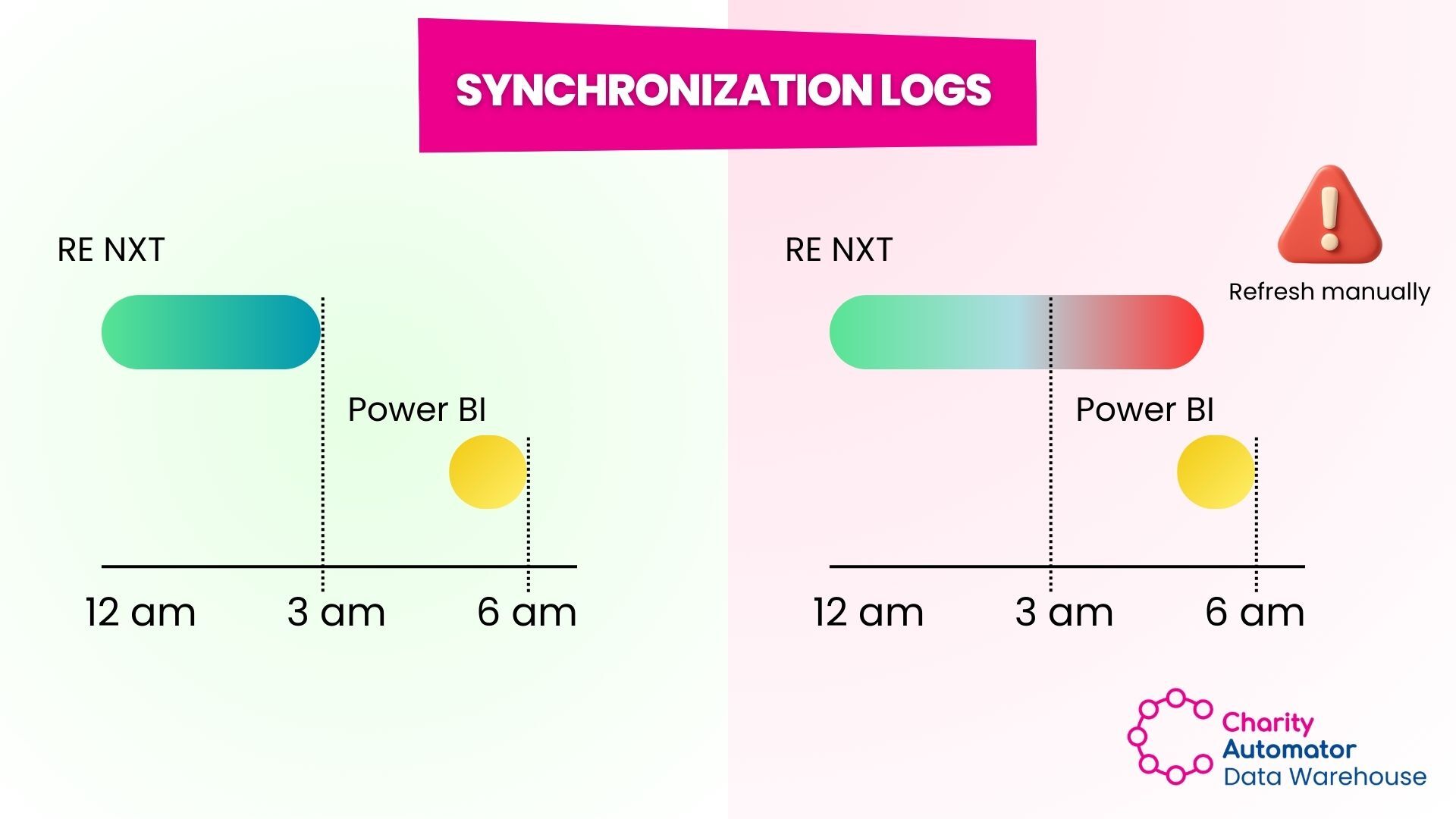
Charity Automator now adds a Synchronization Log table directly inside the client’s Data Warehouse. This table shows:
- Whether each entity synchronization started, completed, or failed
- When the refresh ran
- When each table was last successfully refreshed
Why This Matters
Nonprofit teams expect their reports to be accurate every morning. If a synchronization fails overnight or exceeds the expected refresh time, routine reports in BI tools can be wrong due to incomplete data.With synchronization logs stored inside the Data Warehouse:
- Teams can quickly see if their data is current
- Reports can display how up-to-date the data is
- Dashboards can automatically flag failed updates
- Staff do not need to log into Charity Automator to check sync status
The Result
Clear visibility into data integrity, fewer surprises in reporting, and more confidence in the numbers your team relies on every day.
Contact our Support team if you need guidance on using the Synchronization Log table to maximize its monitoring capabilities.
.jpg?width=1920&height=1080&name=Linkedin%20Newsletter%20(21).jpg)
Comments